You cannot select more than 25 topics
Topics must start with a letter or number, can include dashes ('-') and can be up to 35 characters long.
 TZGyn
76b7cc80c4
TZGyn
76b7cc80c4

|
3 years ago | |
|---|---|---|
| assets | 3 years ago | |
| components | 3 years ago | |
| composables | 3 years ago | |
| layouts | 3 years ago | |
| middleware | 3 years ago | |
| pages | 3 years ago | |
| plugins | 3 years ago | |
| server/api | 3 years ago | |
| .dockerignore | 3 years ago | |
| .env.example | 4 years ago | |
| .gitignore | 4 years ago | |
| .prettierignore | 3 years ago | |
| .prettierrc.yaml | 3 years ago | |
| Dockerfile | 3 years ago | |
| README.md | 3 years ago | |
| app.config.ts | 3 years ago | |
| docker-compose.yml | 3 years ago | |
| nuxt.config.ts | 3 years ago | |
| package-lock.json | 3 years ago | |
| package.json | 3 years ago | |
| tailwind.config.ts | 3 years ago | |
| tsconfig.json | 4 years ago | |
README.md
Todo/Notes App Made With Nuxt 3
Hosted on vercel (expects slow loading due to vercel's cold start)
Preview (currently dark mode only)
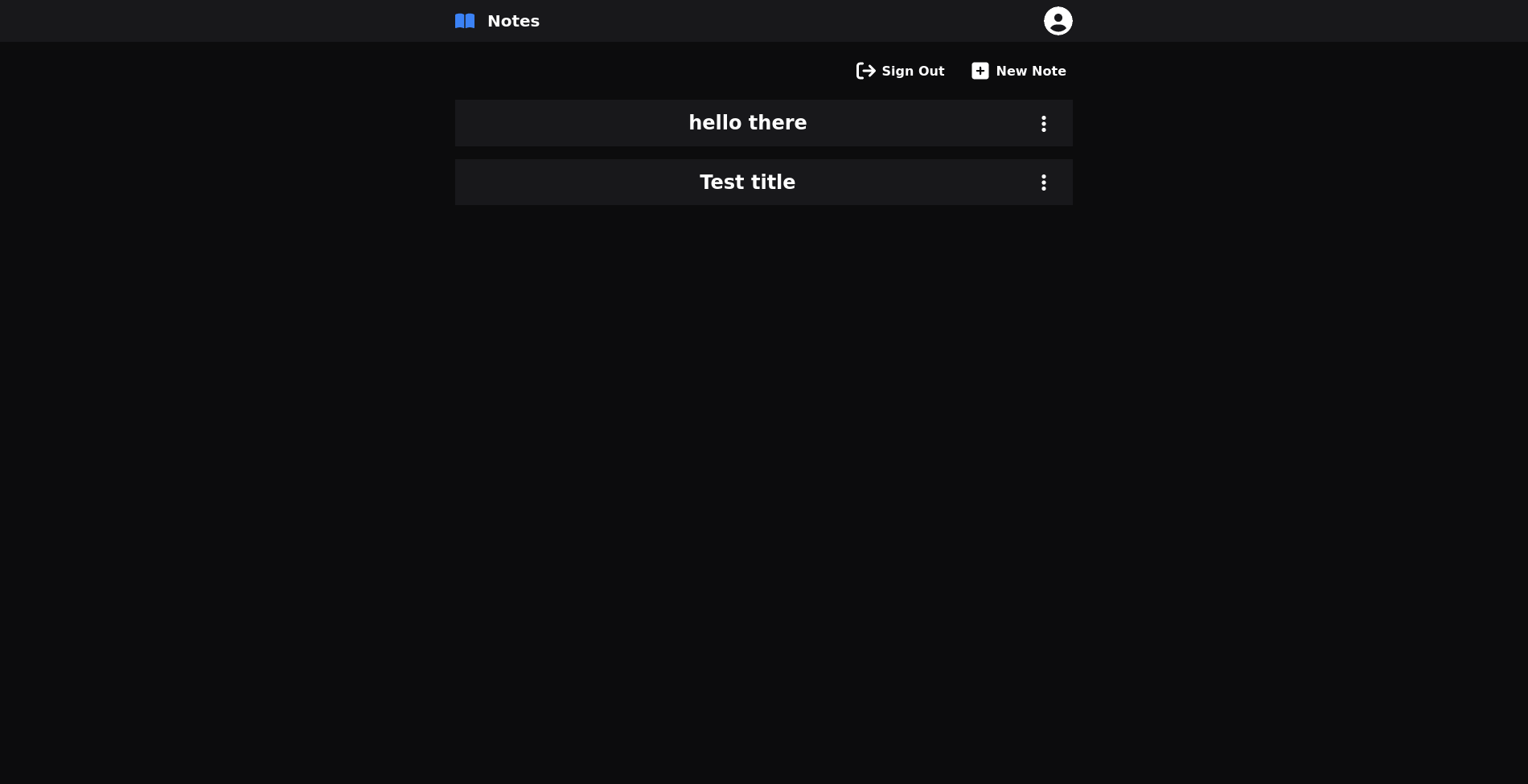
Homepage
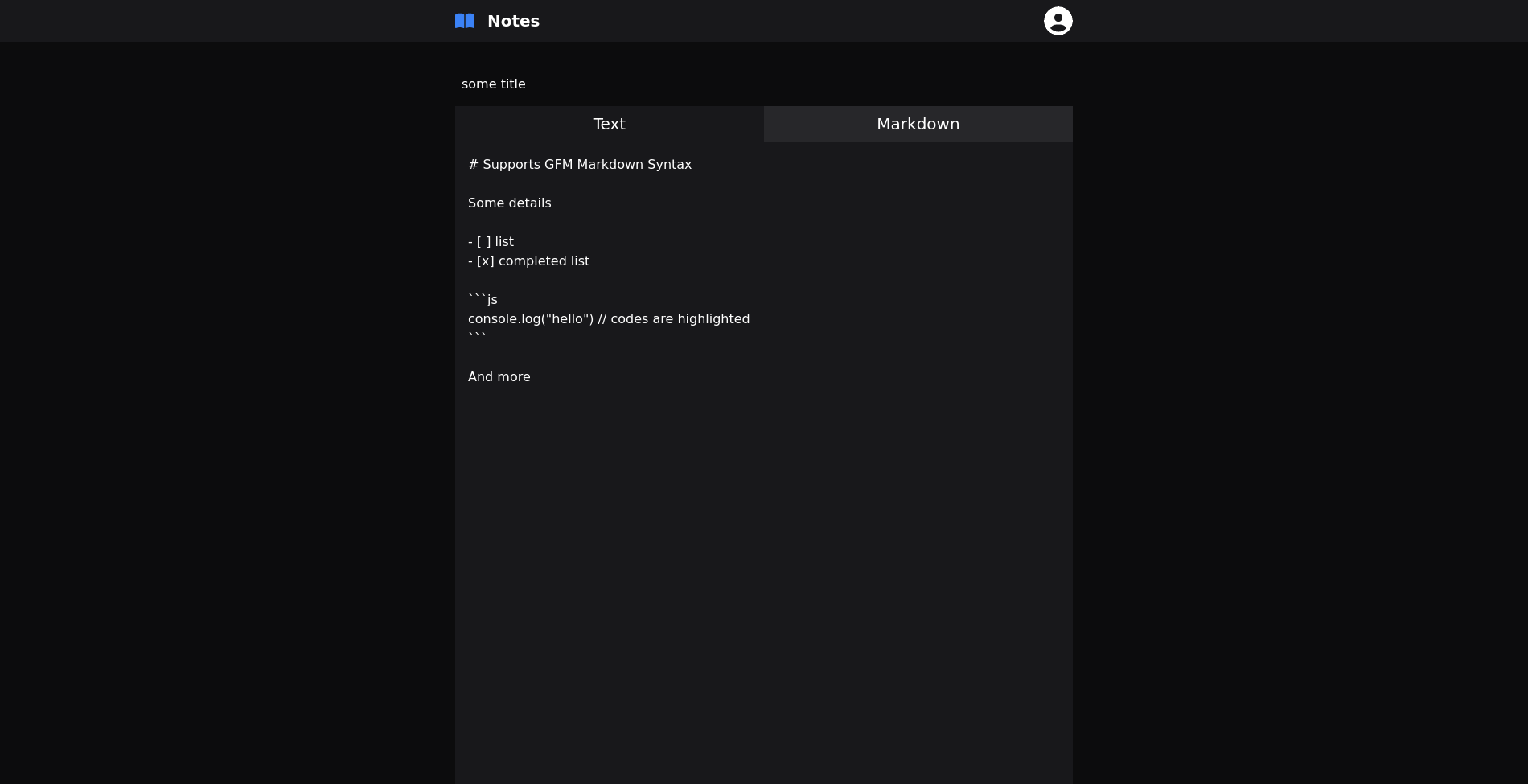
Editor
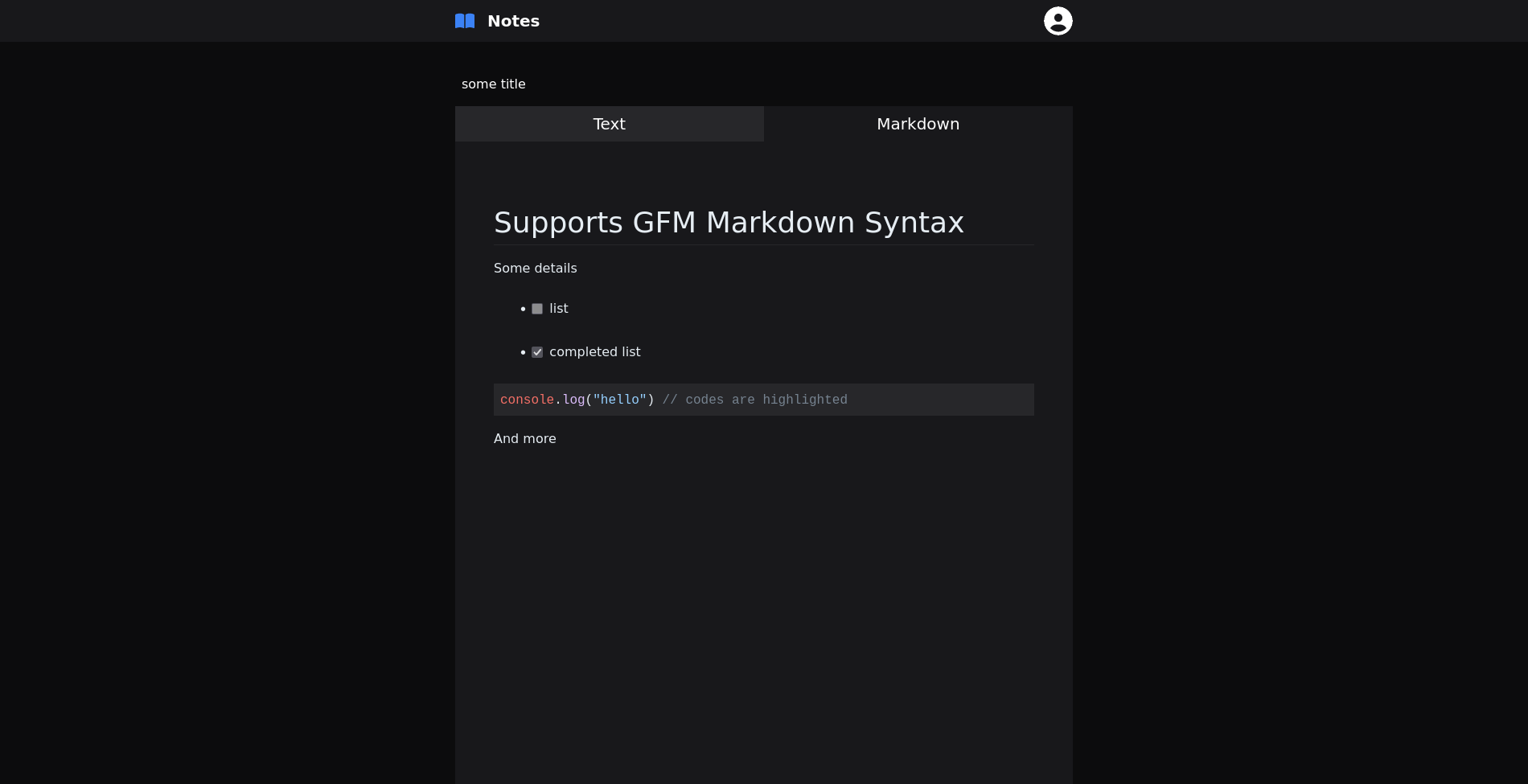
Markdown Render
Setup
Make sure to install the dependencies:
# yarn
yarn install

# npm
npm install

# pnpm
pnpm install --shamefully-hoist
Development Server
Start the development server on http://localhost:3000
npm run dev
Production
Build the application for production:
npm run build
Locally preview production build:
npm run preview
Check out the deployment documentation for more information.